
Wake up.
Think first.
An alarm that makes you solve a math challenge before you can dismiss it.
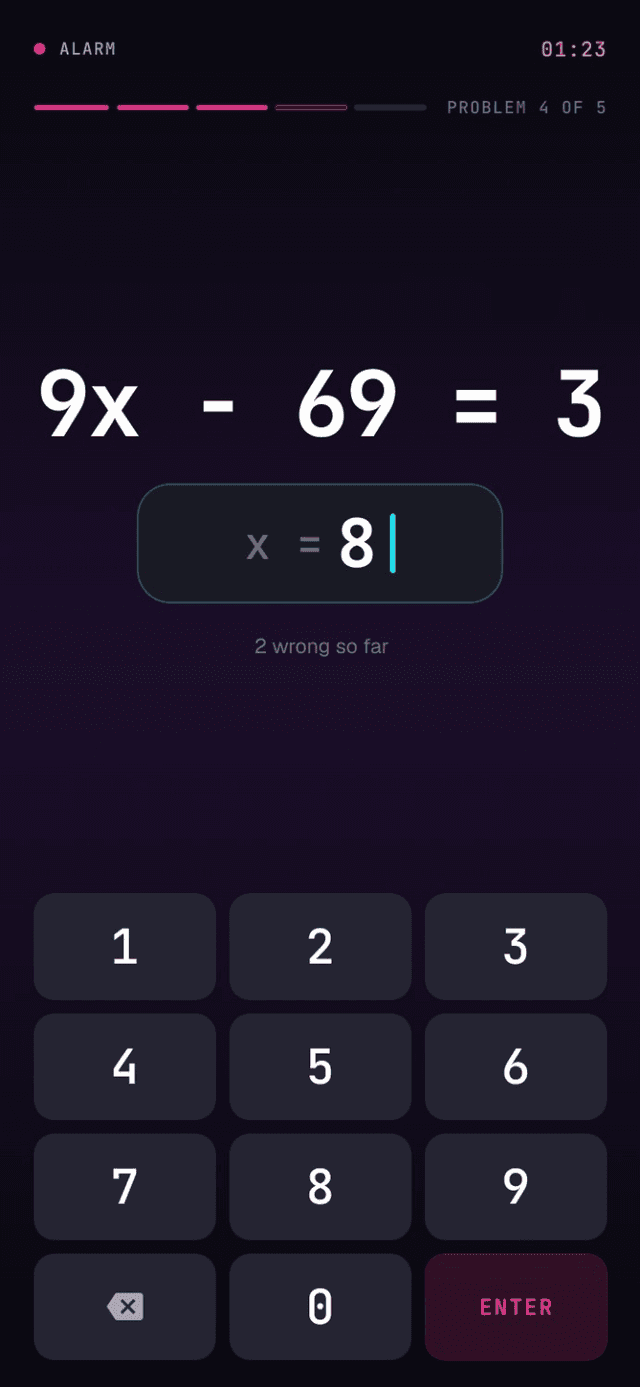
Waking up shouldn’t be that easy.
Traditional alarms only ask you to tap a button. When you’re still half asleep, that’s often all it takes to turn the alarm off and go back to sleep.
MathAlarm adds one small mental challenge before the alarm can be dismissed.
Conventional alarm
- 01The alarm rings
- 02A drowsy hand taps dismiss
- 03Back to sleep
Tap → Sleep again
MathAlarm
- 01The alarm rings
- 02You solve a short math problem
- 03The alarm stops — and you are awake
Think → Wake up
Four steps to get you out of bed.
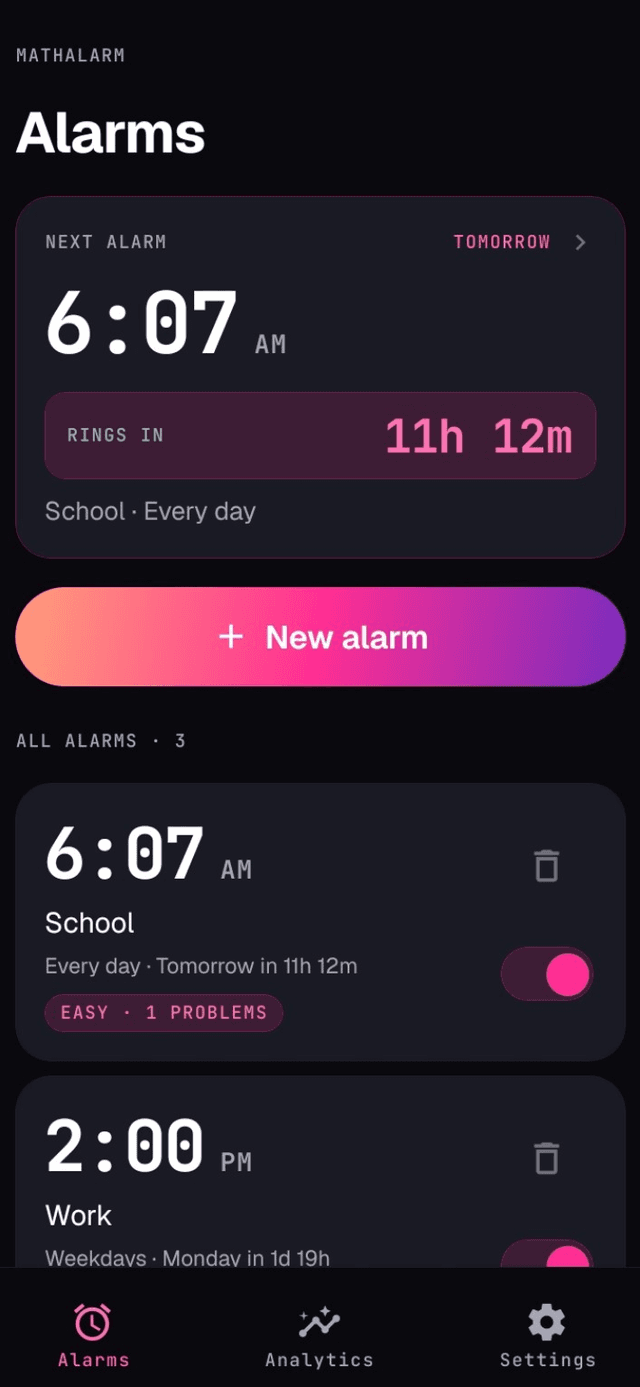
- 01Set alarm
Set your alarm
Choose when you want to wake up and configure the alarm.
- 02Alert
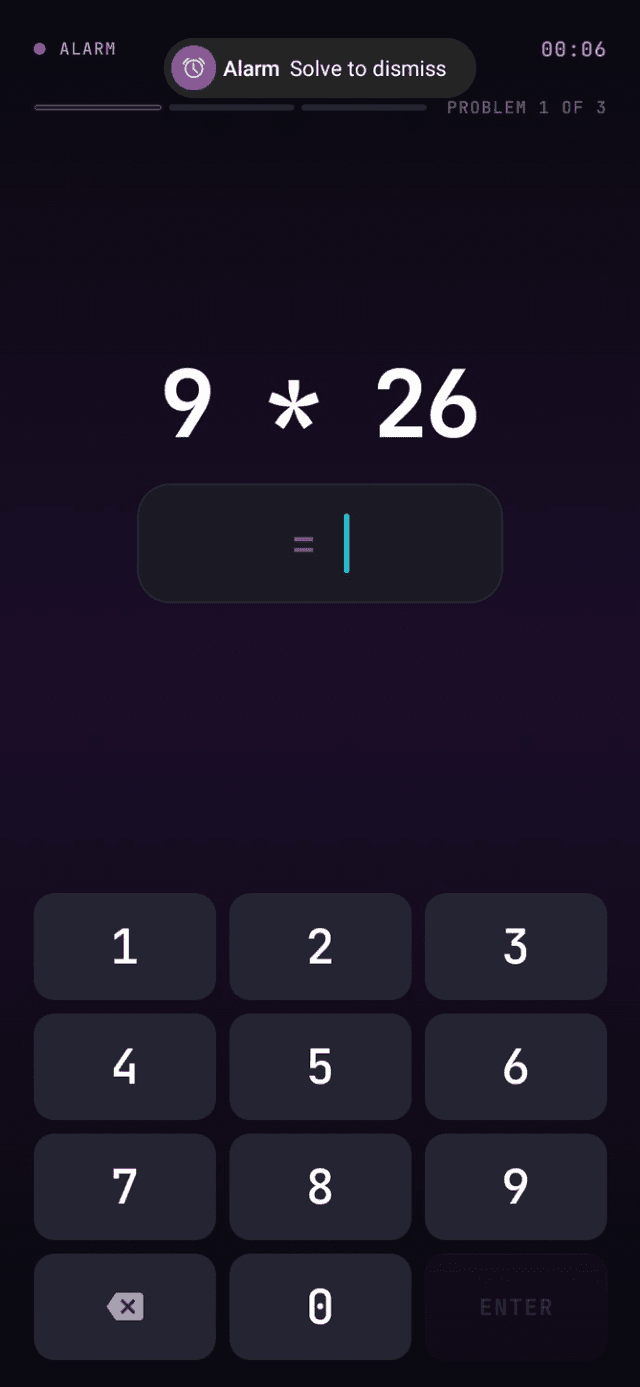
The alarm rings
When it is time, MathAlarm wakes you with an alarm.
- 03Challenge
Solve the challenge
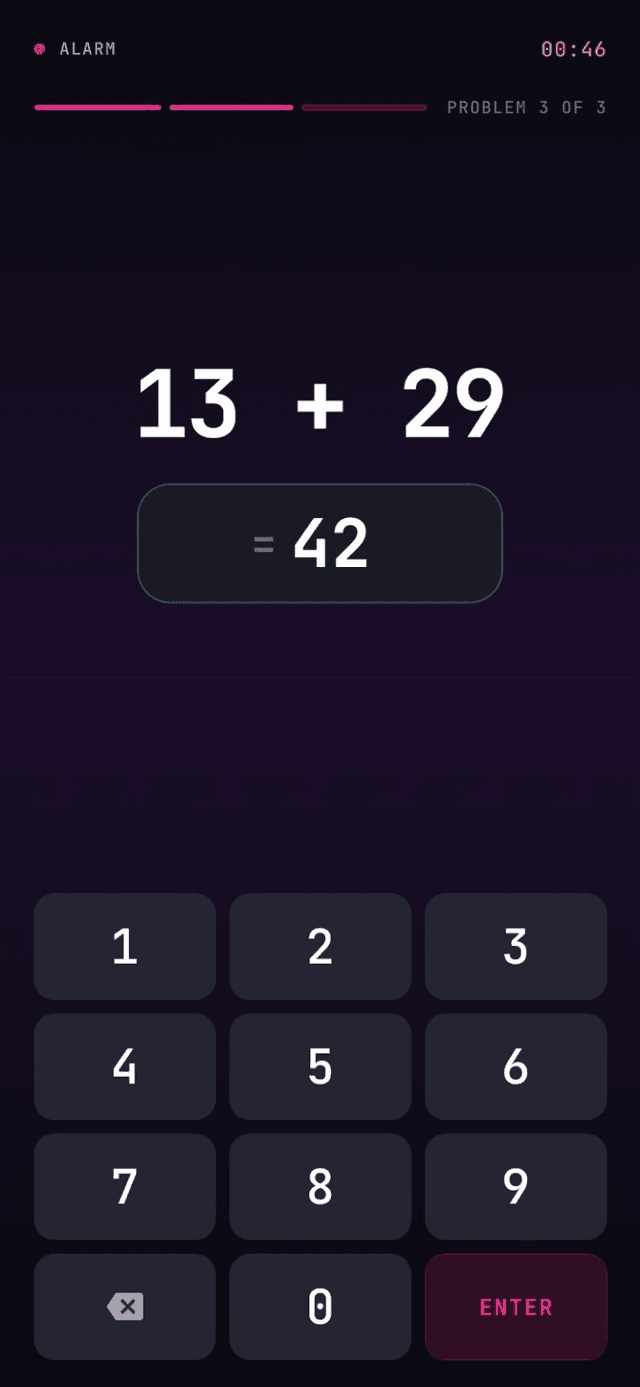
Answer the math problem shown on screen.
- 04Awake
Start your day
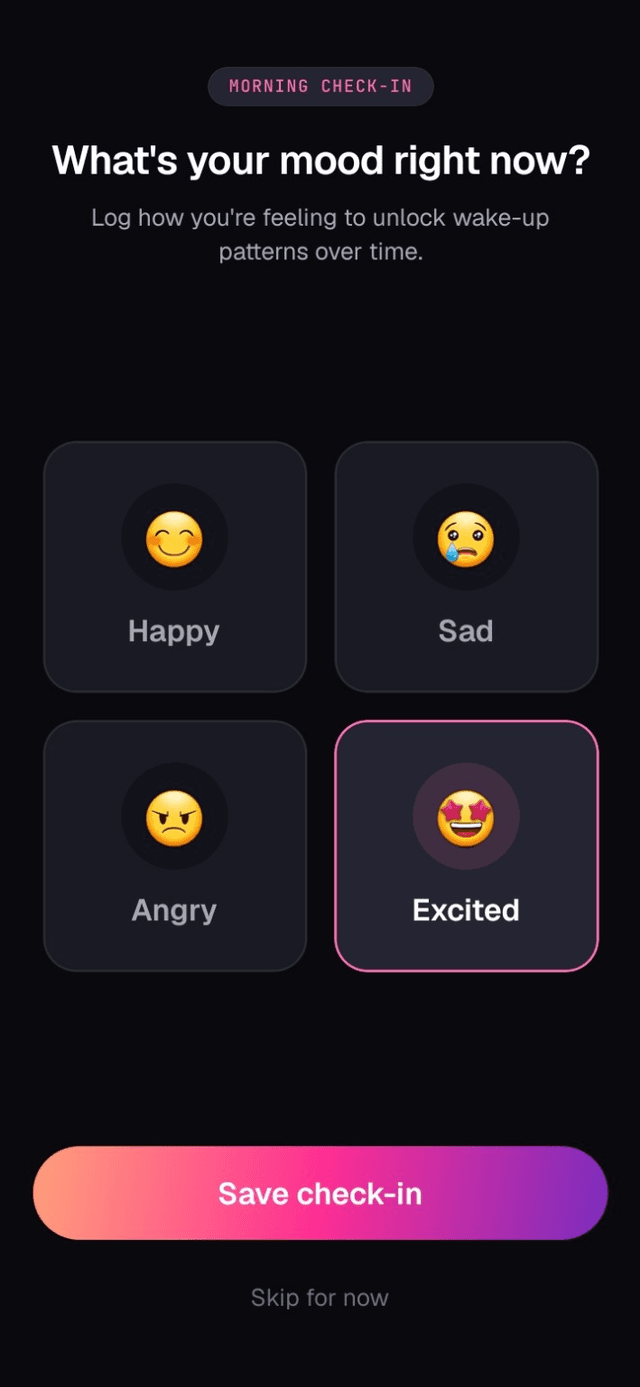
Solve it correctly, log a quick morning mood check-in, and start your day.
Hear it. Solve it. Wake up.
Alarm rings Brain engages You’re awake
The alarm is armed by a native Android kernel rather than a JavaScript timer, so it rings with the app closed and the phone locked. Solving is the only way to stop it — there is no snooze.
- Platform
- Android
- Storage
- Local, fully offline
- Snooze
- None
- 01Armed
Save an alarm and it is persisted and armed with the native Android kernel. It survives a reboot and an app update.
- 02Fires
At the set time the kernel fires regardless of app state. A foreground service starts alarm-stream audio and vibration, so it is heard over silent mode.
- 03Takes over
A full-screen intent brings up the wake screen over the lock screen and turns the display on. No tab bar, no back gesture, nothing to swipe away.
- 04Solving
The label, elapsed ring time, progress and current problem sit above a numeric keypad. A wrong answer generates a brand-new problem, so a question cannot be guess-spammed.
- 05Dismissed
Once the required problems are answered correctly the kernel is told to dismiss. Audio and vibration stop, the screen closes, and a repeating alarm re-arms its next occurrence.
- 06Recorded
The session is written to the local database: when it fired, how it ended, right and wrong answers, and how long solving took. On the first solved morning alarm of the day, a mood check-in is offered and saved alongside it, which is what Analytics reads back.
Difficulty
- Easy1 problem
- Single-digit addition and subtraction.
- Medium3 problems
- Two-digit addition and subtraction, single by two-digit multiplication.
- Hard5 problems
- Multi-digit multiplication, mixed operations with precedence, simple linear equations.
Try MathAlarm on Android.
Built with Expo & React Native. Install it on your phone and set your first alarm.
Version 1.0.0 · Requires Android 8.0 or later

Scan to install
Opens the Android build on your phone.